How to Choose the Right Thermostat for Your HVAC System
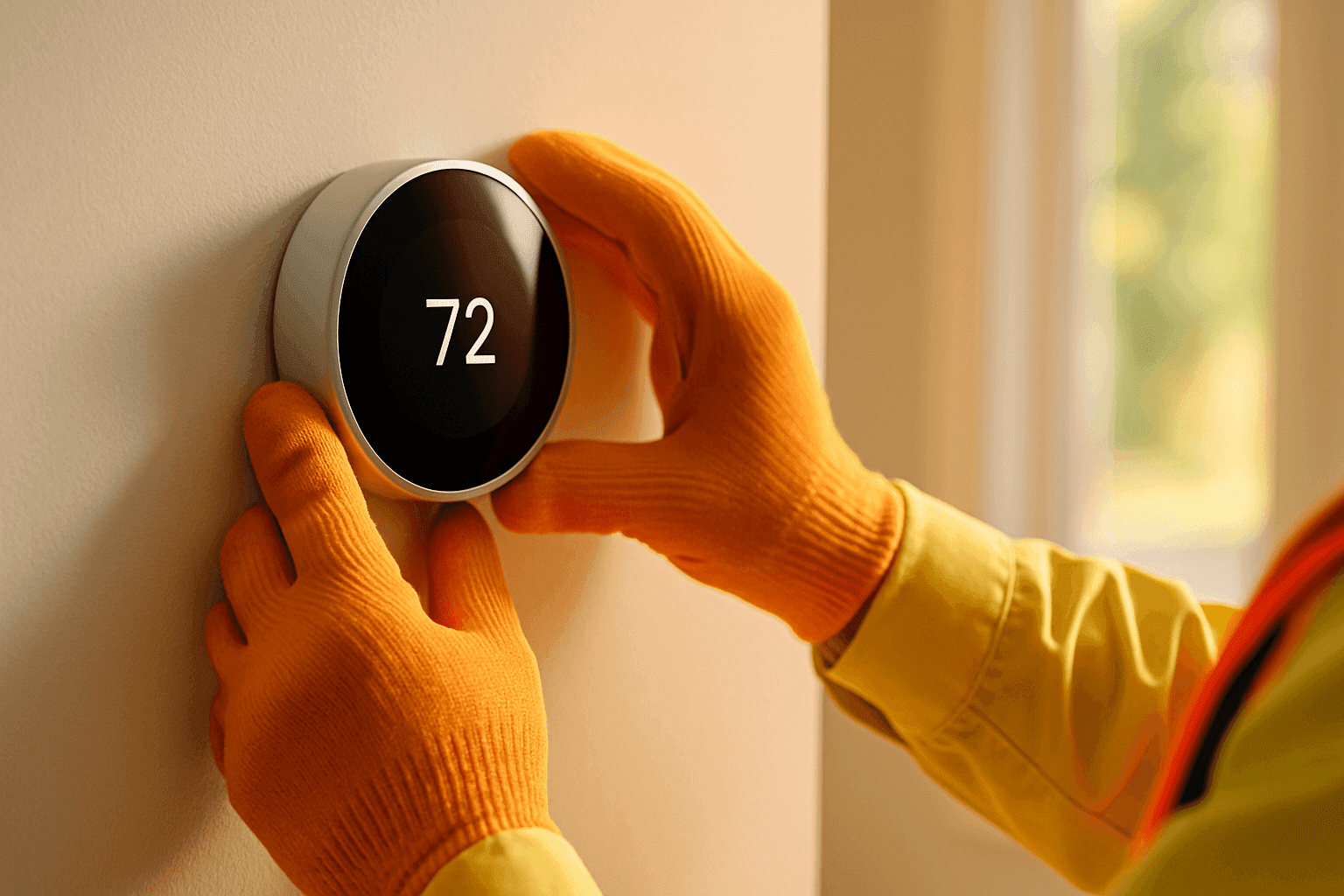
Selecting a thermostat shouldn’t feel like decoding a puzzle. But with endless options and tech upgrades, it’s easy to get lost. Whether your home feels like a sauna or your business is shivering, the right thermostat can make all the difference—especially when emergency hvac issues strike.
At General Heating & Air, we’ve helped countless homeowners and building managers take control of their comfort. Let’s break down what matters—so you can choose with confidence and avoid the headaches that come from a wrong turn.
Types of Thermostats
Imagine your thermostat as the steering wheel of your comfort. There’s more than one way to drive.
Manual Thermostats
Simple. Reliable. Like a classic car with roll-down windows. You set the temperature by hand, and that’s it. No programming, no fuss. Great for small spaces or single-zone settings, but not ideal if you crave efficiency or convenience.
Programmable Thermostats
Think of this as cruise control. You set a schedule—wake, work, home, sleep—and the thermostat does the rest. They’re perfect for homes or offices with routine hours. According to the U.S. Department of Energy, properly using a programmable thermostat can save roughly 10% a year on heating and cooling.
Smart Thermostats
Now we’re talking autopilot. Smart thermostats learn your patterns, adjust themselves, and let you control everything from your phone. Many offer features like voice control, occupancy sensors, and detailed energy reports. If you want to maximize efficiency and connect with other smart devices, this is the way to go.
Compatibility with HVAC Systems 🛠️
Not every thermostat fits every system. Think of it like finding the right charger for your phone.
- System Type: Is your setup single-stage, multi-stage, heat pump, or zoned? Some thermostats only work with certain types.
- Voltage: Low-voltage (24V) systems are most common in homes, but high-voltage (120V/240V) systems need specific thermostats.
- Wiring: Older systems might lack the “C-wire” (common wire) required for many smart thermostats. Some new models offer power extenders or workarounds, but always check before you buy.
Tip: Always check the manufacturer’s compatibility list. Many offer online tools or checklists—take five minutes to double-check before you invest.
Features to Consider
Thermostats now do more than just set the temperature. Here’s what adds comfort and value:
- WiFi Connectivity: Control your system from anywhere. Great for vacation homes, busy offices, or just peace of mind.
- Zoning Capabilities: Want different temperatures in different areas? Look for models that support multiple zones.
- Sensors: Some thermostats use extra sensors to monitor rooms with big temperature swings. No more arguing over one cold office or a hot upstairs bedroom.
- IAQ Integration: If you use air scrubbers, humidifiers, or IAQ Testing near you, some thermostats can manage these add-ons from the same panel.
- Learning Features: Smart thermostats adapt to your habits, shaving off unnecessary energy use.
- Alerts and Reminders: Notifications for filter changes, maintenance, or emergency hvac issues—so you catch small problems before they turn big.
DIY vs Professional Installation
Installing a thermostat can seem simple—until you hit a wiring snag. Here’s how to decide:
When DIY Makes Sense
- Swapping out a manual or basic programmable thermostat for a similar model, with matching wires.
- Handy with basic tools and comfortable shutting off circuit breakers.
When to Call a Pro
- Upgrading to a smart thermostat, especially if your system is older or lacks a C-wire.
- Complex systems: multi-zone, heat pumps, or commercial applications.
- Integrating with IAQ devices, dehumidifiers, or advanced HVAC controls.
A professional installation by General Heating & Air ensures your warranty stays valid, your system is safe, and you avoid costly mistakes.
Maximizing Energy Savings 💡
A thermostat is more than a switch—it’s a savings engine when used properly.
- Set It and Forget It: Use schedules or automation to avoid heating or cooling an empty space.
- Adjust for Seasons: The U.S. Department of Energy recommends 68°F in winter (when home) and 78°F in summer.
- Enable Away Modes: Smart thermostats can detect when you’re gone and adjust automatically.
- Energy Savings Calculators: Many manufacturers like Honeywell and Ecobee offer online tools to estimate your energy savings based on your usage and climate.
Avoid This Mistake: Don’t override programmed settings too often. It defeats the purpose and can increase energy bills.
Common Mistakes to Avoid
- Buying a thermostat that’s not compatible with your HVAC system.
- Skipping the wiring check—especially with older homes or unique commercial setups.
- Ignoring manufacturer installation instructions or code requirements (like NEC 2017 for wiring safety).
- Forgetting to update schedules for holidays or changing office hours.
- Over-relying on features you won’t use—keep it simple if you don’t need all the bells and whistles.
Frequently Asked Questions
Do smart thermostats really lower energy costs?
Yes, if used correctly. They automate schedules, minimize waste, and provide reports to help you adjust habits. The Department of Energy and ENERGY STAR both cite significant potential savings when switching from manual to smart thermostats.
Can I use the same thermostat for both heating and cooling?
Most modern thermostats manage both, but confirm compatibility—especially with heat pumps or multi-stage systems.
What if my system doesn’t have a C-wire?
Some thermostats offer workarounds, but professional installation is often the safest route. An HVAC technician can run a new wire or suggest alternative solutions tailored to your setup.
Is it worth upgrading my commercial thermostat?
Absolutely. Newer models offer better scheduling, zoning, and controls—especially for larger buildings with varied occupancy.
Safety and Installation Checklist 📝
- Turn off power at the breaker before starting.
- Label wires before disconnecting the old unit.
- Use the compatibility checklist from the manufacturer.
- Follow local electrical codes (NEC, state, or municipal).
- For commercial buildings, confirm with building management or maintenance.
Local and Seasonal Considerations
Climate matters. In humid regions, pairing your thermostat with a dehumidifier or IAQ Testing near you ensures year-round comfort. In dry winters, humidifier integration is key. For businesses with fluctuating occupancy, zoning and smart controls are your best friend.
When severe weather strikes, a reliable thermostat paired with generator installation keeps your system running—critical for emergency hvac situations.
The Bottom Line
Choosing the right thermostat is about more than brand or price. It’s about fitting your lifestyle, your system, and your local climate. Take time to match features to your needs, check compatibility, and consider professional installation for seamless comfort and peace of mind.
Ready to upgrade or need help fast?
Call General Heating & Air now — or reach us anytime at 888-805-8278 .